Stop treating AI like a chatbot. Start treating it like a junior engineer that needs a spec.
In our high-level summary, we established that Cline.bot is the premier tool for integrating AI into complex workflows. But installing the extension is just the first step. To truly unlock the power of AI-native development—and avoid burning through your API credits with broken code—you need to master the workflow.
This guide dives deep into the specific strategies, configurations, and mental models required to use Cline effectively in a professional environment.
1. The Core Philosophy: Architect, Then Act
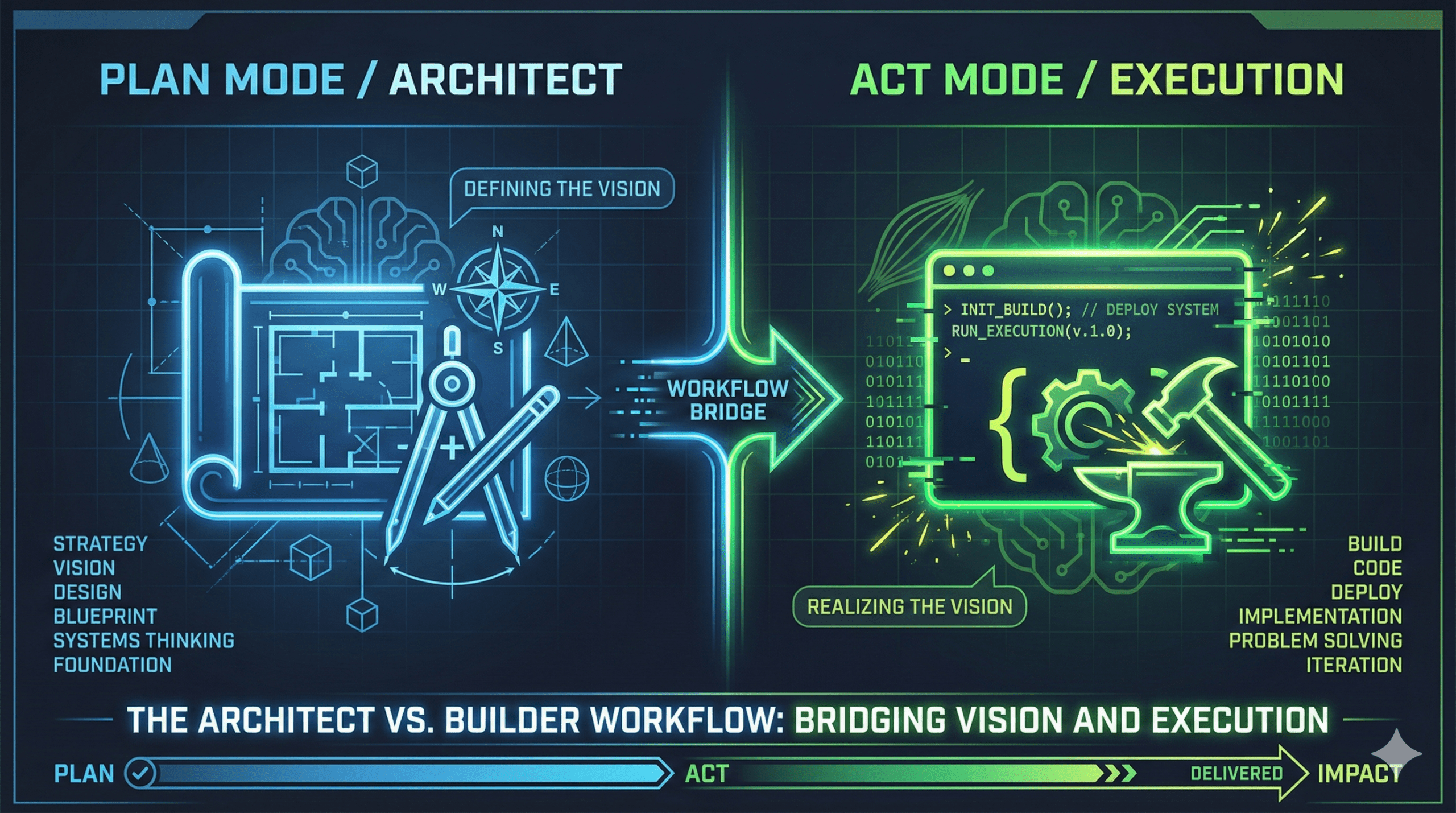
The biggest mistake developers make with AI is jumping straight to code generation. “Fix this bug” is a weak prompt. Cline is unique because it strictly separates Planning from Action.
Plan Mode: The Cognitive Firewall
- When to use: ALWAYS start here for new features, complex refactors, or ambiguous bugs.
- In Plan Mode, Cline cannot write to files. It functions purely as a consultant. This acts as a “cognitive firewall,” ensuring logic is sound before execution begins.
- The Workflow:
- Ask for a plan: “I need to implement user auth. Review the auth/ directory and propose a strategy.”
- Iterate on the spec: Cline will outline steps. You act as the Senior Engineer, correcting the architecture before a single line of code is written.
Act Mode: The Execution Engine
- When to use: Only when the plan is approved.
- Once you switch to Act Mode, Cline executes the approved steps sequentially. Because the context was firmly established in Plan Mode, the code generation is significantly more reliable.
2. Strategic Model Selection & The “Context Tax”
One of Cline’s superpowers is “Bring Your Own Key” (BYOK). This avoids the context limits of subscription tools, but it shifts cost management to you.
The Model Hierarchy
- Tier 1: The Architect (Claude 3.5 Sonnet / GPT-5.1)
- Use Case: Planning, complex refactoring, and architectural decisions.
- Why: High reasoning capability minimizes downstream errors.
- Tier 2: The Builder (DeepSeek V3 / Gemini Flash)
- Use Case: Writing unit tests, boilerplate generation, simple CRUD.
- Why: High speed and low cost.
The “Context Tax”: A significant economic trap exists when switching models. LLMs are stateless; they do not “remember” conversation history unless you send it back to them.
- The Trap: If you spend an hour planning with Claude (Tier 1), accumulating 50k tokens, and then switch to DeepSeek (Tier 2) to save money, you must pay to transfer those 50k tokens to the new model.
- The Solution (The “Lossy Handover”): To avoid paying this tax, do not simply switch models in the middle of a chat.
- Ask the Architect (Tier 1) to summarize the plan into a standalone file, e.g., implementation_spec.md.
- Start a fresh session with the Builder (Tier 2).
- Feed it only the implementation_spec.md. This “context resetting” ensures you aren’t paying to re-read the entire chat history.
3. Context Engineering: The “Memory Bank”
LLMs suffer from “Context Amnesia”—they forget early instructions as the chat gets long. To give Cline “Long-Term Memory,” you must implement a Memory Bank.
Structure your memory-bank/ folder like this:
- projectbrief.md: The “North Star.” Product vision and core goals.
- systemPatterns.md: Architectural decisions and design patterns.
- activeContext.md: The dynamic file. What is being built right now?.
- progress.md: A checklist of completed and pending features.
The Workflow:
- Start of task: “Cline, read the Memory Bank.”
- End of task: “Update activeContext.md and progress.md with what we accomplished.”
4. Visual Debugging & “The Frontend Bottleneck”
Frontend testing is a minefield for AI because models lack spatial awareness. They cannot see that a button is misaligned.
- Don’t describe the UI. Use the Vision capabilities of models like Claude Sonnet.
- The Workflow: Take a screenshot of the bug and paste it into Cline. “Look at this image. The button is overlapping the text.”
- Manual Selectors: Do not trust AI to guess CSS selectors or data-testid attributes. It will hallucinate them. Provide them explicitly.
5. Prompt Engineering for Engineers
Stop talking like a user (“Please help me”). Talk like a Principal Engineer giving instructions.
The “Documentation Anchor” (Preventing Syntax Drift) AI training data is often outdated. If you use bleeding-edge tech (e.g., Svelte 5), the AI might generate deprecated code.
- Prompt: “I need to write a new component. First, use Context7 (or MCP) to fetch the latest documentation for [Library Version]. Verify the syntax before generating code.”.
The “Findings” Format (Confidence Check) Borrowing from the logic of CLI tools, force the AI to self-evaluate.
- Prompt: “Analyze the file structure. Before acting, output your findings in JSON format with a ‘confidence_score’ (0-100). If confidence is below 80, ask clarifying questions.”
The “Lazy Prevention”
- Prompt: “NEVER leave TODO comments or truncate code with // … rest of code. Implement the full logic.”
Summary
Cline is not just a coding assistant; it is an autonomous agent that mirrors your engineering practices. If your instructions are vague, the code will be buggy. If you provide structure (Memory Bank), clear phases (Plan vs. Act), and visual context, Cline becomes a force multiplier, allowing one developer to do the work of three.